
Checkin
Check-in lets group members sign in once per day and receive points from the group.
What this feature is
After the feature is enabled, members can check in inside the group every day.
The bot will:
- record the check-in
- reward points for that day
- show the member how many total check-in days they have
Which command to use
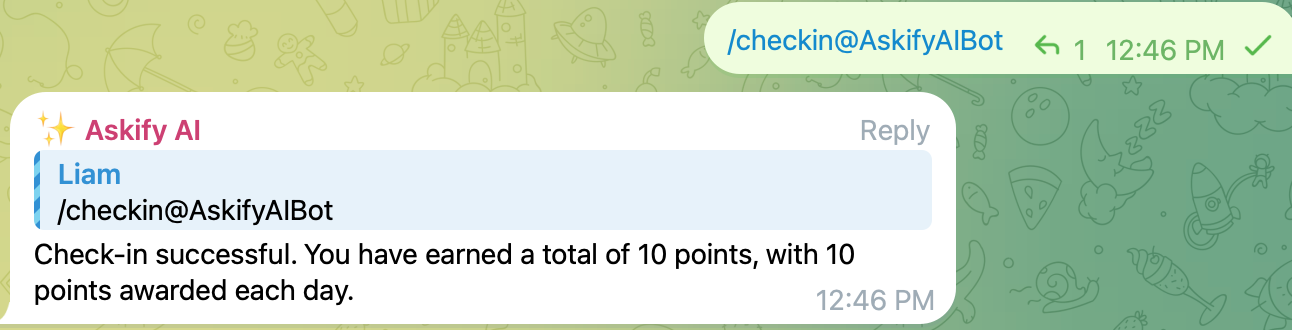
Members use:
/checkin
in the group.
What members will see
If the check-in is successful, the bot will reply with a message like:
- total check-in days
- today’s reward points
If the member already checked in today, the bot will remind them that today’s check-in has already been used.
How to use it
- The group creator or super administrator enables Check-in in the bot management page
- Members send
/checkinin the group - The bot returns the result immediately
What can be configured
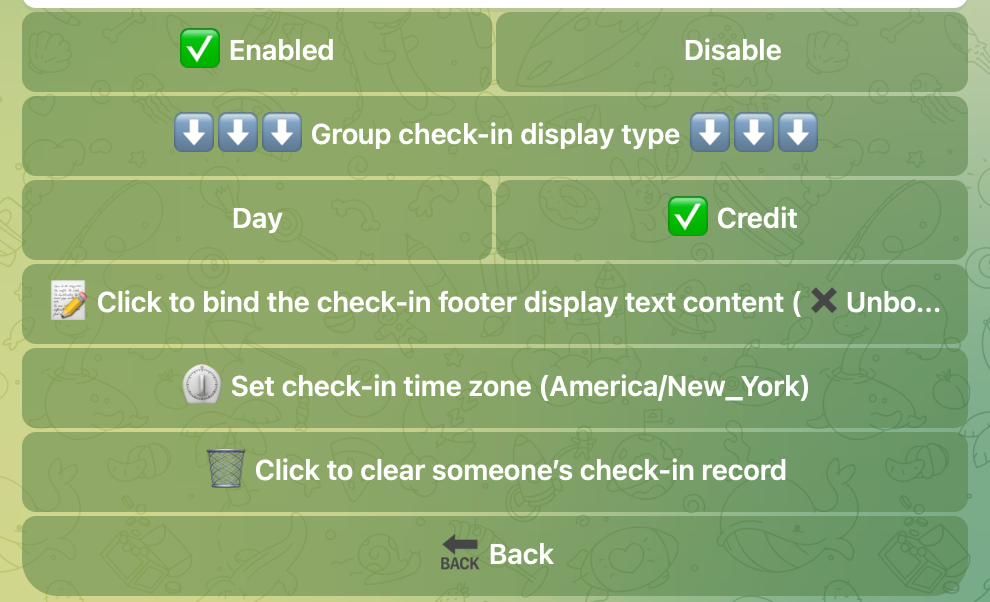
The group manager can configure:
- whether check-in is enabled
- how many points are rewarded for each successful check-in
- optional footer text shown after the check-in message
Suitable groups
This feature is useful for:
- daily community engagement
- simple point rewards
- attendance-style group participation