AI Chat
Master the /ask and /chat commands to start chatting with AI in no time.
/ask
You can use /ask in both groups and private chats.
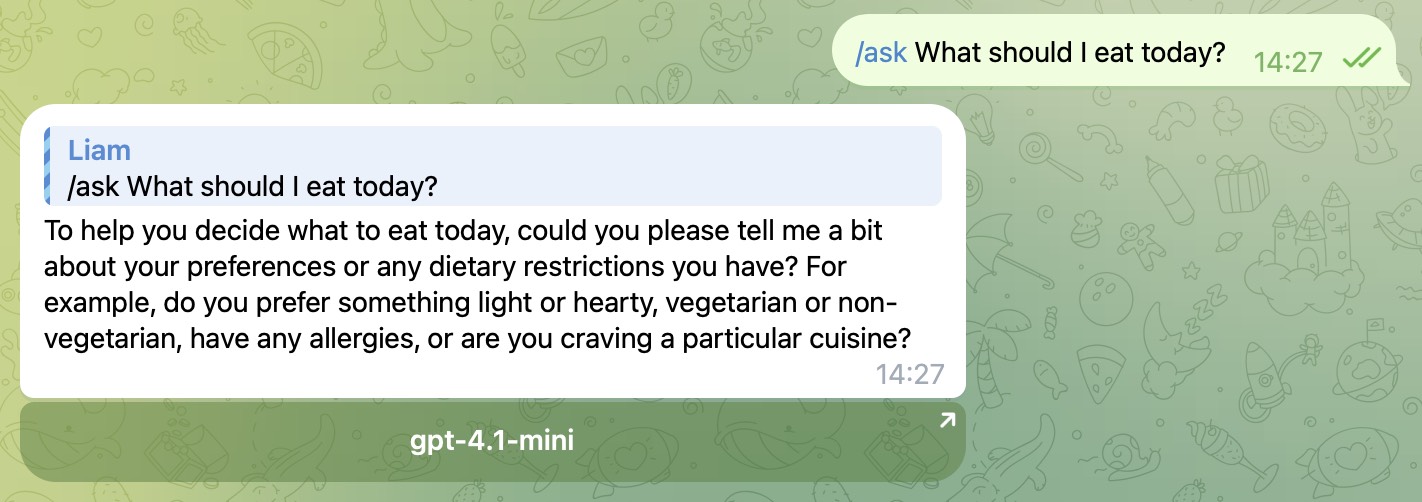
Example: /ask What should I eat today?
/ask is a single-turn Q&A command. Every time you use it, the bot treats it as a brand-new request and does not continue previous context, so it is best to describe your question clearly in one message.
You can also reply to someone’s message and then send /ask .... In that case, the bot will include the replied text as part of the question, which is useful for asking for an explanation, summary, translation, or opinion about that message.
If you send /ask together with an image, or reply to a photo with /ask, the bot can analyze the image and answer based on it. Image input is available when you have configured your own OpenRouter API key. The shared free model does not support image input.
If you are using the shared free quota, /ask has a daily limit. After you reach the limit, you will need to bind your OpenRouter API key to continue using unlimited AI chat features.
/chat
/chat only works in a private chat with the bot.
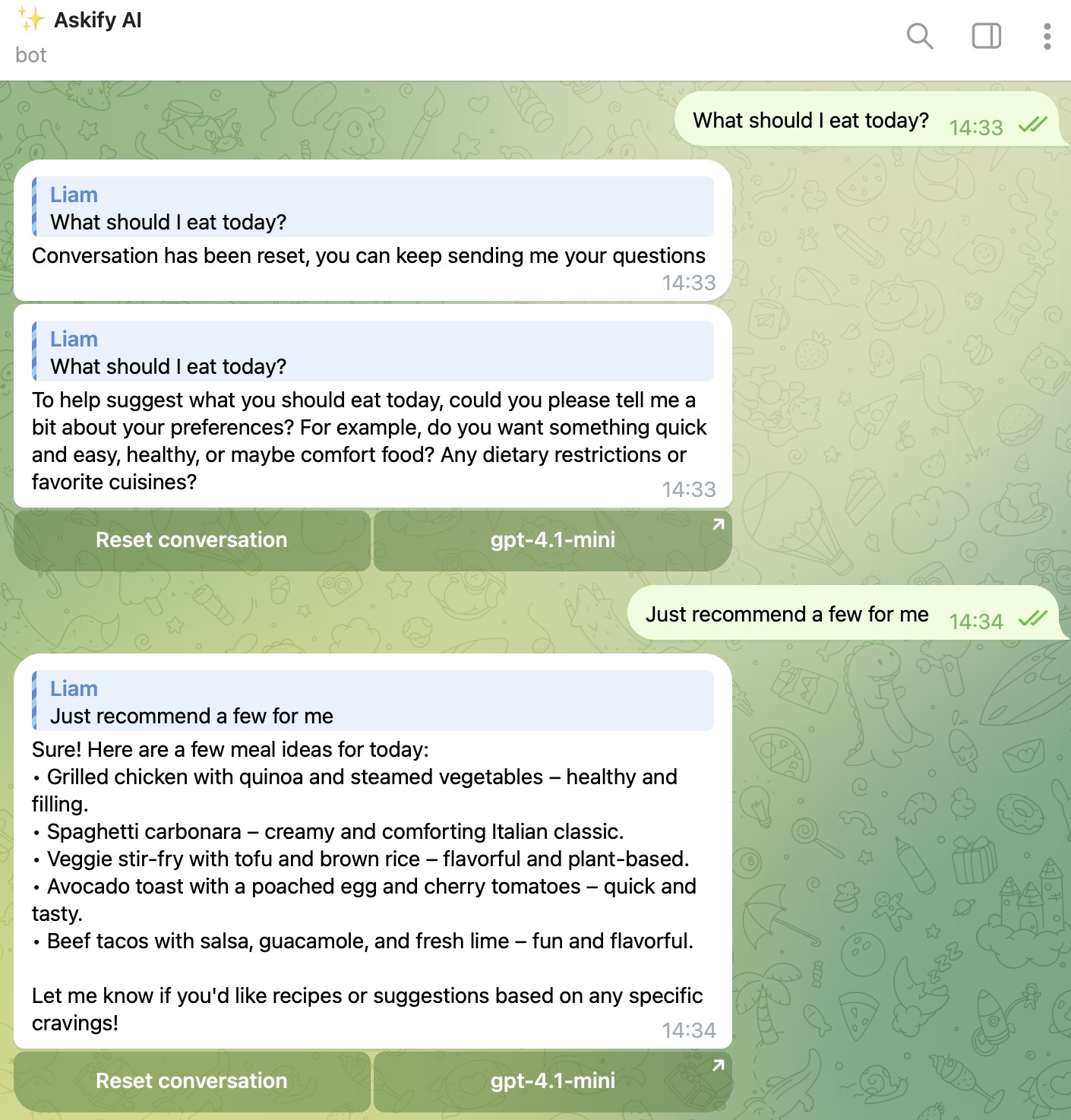
This command starts a new conversation session with memory. After sending /chat, you can continue chatting naturally and the bot will reply based on the earlier messages in the same session.
If you want to start over, send /chat again or tap the reset conversation button.
If you are using the shared free quota, /chat has a daily limit, and each free conversation session is also limited in length. After the free session limit is reached, the bot will automatically start a new session for you.
In private chat, the bot also supports image input during /chat conversations when your OpenRouter API key is configured. The shared free model does not support image input.
/config
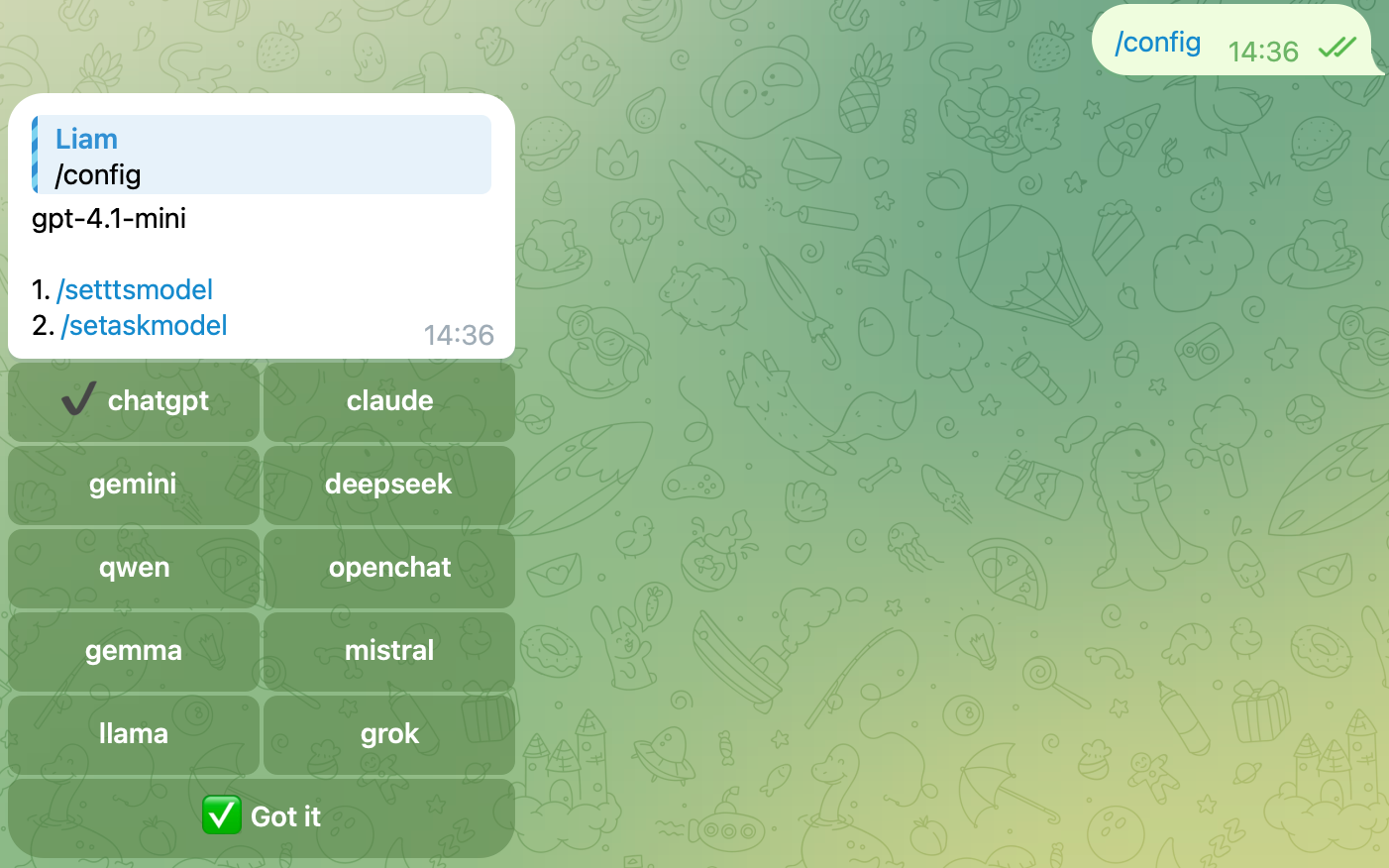
The bot offers multiple AI models and related AI settings. If you want /chat to use a specific model, or you want to unlock more features by binding your OpenRouter API key, configure it here.